Learn › 1 · Start here
1.1 Connect Claude to Your App in 5 Minutes | Getting Started
5 min
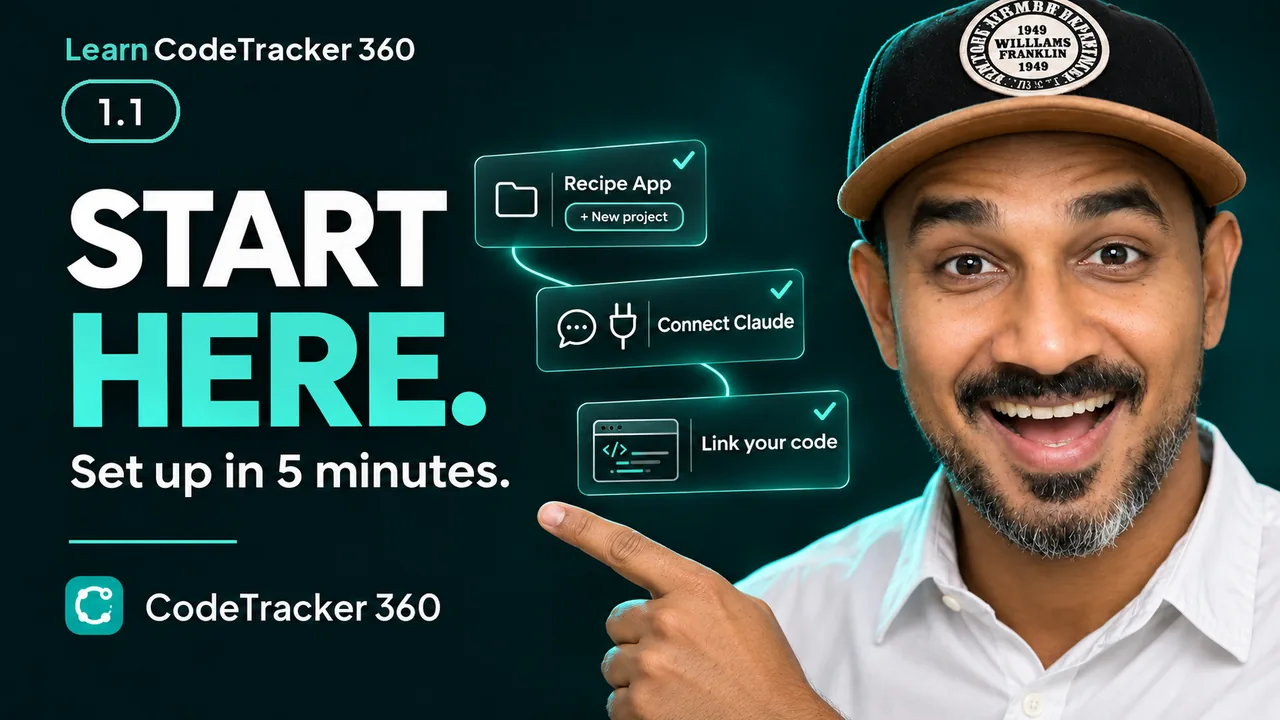
1.1 Connect Claude to Your App in 5 Minutes | Getting Started
Plays from YouTube
Just signed up to CodeTracker 360? Start here. In about five minutes you make a project for your app, connect it to Claude, and link it to your code in VS Code with Claude Code. No key and no password to copy.
Steps
- Welcome: what to do first
- The plan: three things
- What you see after you sign up
- Make a project for your app
- Connect Claude
- A quick word on plans
- Add the custom connector
- Sign in and allow
- Check it worked: whoami
- If whoami doesn't work
- Link your code in VS Code
- You're all set
Checked against the app on 21 November 2026.